
- Version
- 2.1.0
- Requires
- iOS / iPadOS 18.0+
- Size
- 258.0 MB
What’s new in 2.1.0Updated Nov 4, 2026
• Quick Frame: add a device frame and save to Photos without creating a project. • Find layouts faster in the redesigned Home screen and template galleries. • Customize Quick Frame with colors, gradients, wallpapers, blur, and padding. • Choose monthly, yearly, or lifetime Pro for unlimited image exports. • Improved iPhone and iPad spacing, transparent previews, and Save button behavior. • Refreshed paywall with clearer Restore Purchases feedback.
Screenshots
App Store description
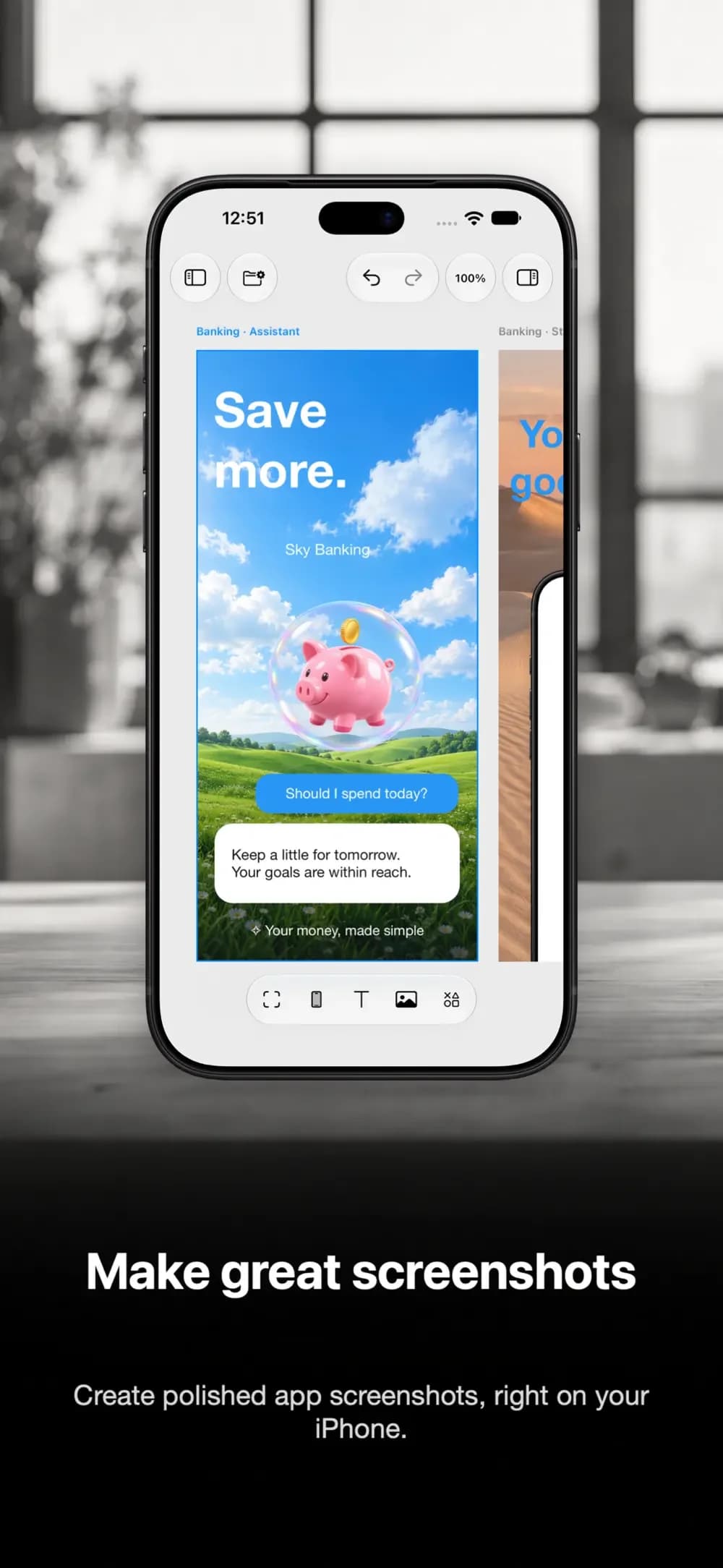
Turn screenshots into polished device mockups and App Store visuals. Build layouts for app launches, product demos, portfolios, and social posts. MAKE YOUR SCREENSHOTS STAND OUT Choose realistic iPhone, iPad, and Mac frames. Arrange multiple devices, add captions, and adjust backgrounds, shadows, spacing, and scale to suit your design. START WITH A TEMPLATE Build a single mockup or a coordinated App Store screenshot set. Replace the screenshots and edit the text to make each layout your own. KEEP YOUR LOOK CONSISTENT Save presets for the styles you use often. Keep projects editable so you can update your screenshots and layouts as your app grows. DESIGN FREE. EXPORT WITH PRO. All templates and editing tools are free, including multi-device compositions and saved presets. An annual Screenlume Pro subscription is required for all image exports, including saving and sharing finished mockups. Screenlume Pro renews automatically unless canceled. See the in-app purchase screen for current pricing in your region. FIT YOUR WORKFLOW Create on iPhone or iPad. Start a mockup from the share sheet, or use Frame Screenshot in Shortcuts for recurring tasks. Privacy Policy: https://phanithny.com/apps/screenlume/privacy-policy.html Terms of Use: https://phanithny.com/apps/screenlume/term-of-use.html Support: [email protected]
Features
Device frames
Arrange iPhone, iPad, and Mac frames with captions, backgrounds, shadows, and spacing.
Editable templates
Start with a single mockup or a coordinated App Store screenshot set.
Saved projects
Keep layouts editable and save presets for your next update.
Share sheet and Shortcuts
Start from the share sheet or use Frame Screenshot in Shortcuts on iPhone and iPad.
Questions
What is free?
All templates and editing tools are free. All image exports, including saving and sharing finished mockups, require an annual Screenlume Pro subscription. See current regional pricing in the app.