 TiltTab
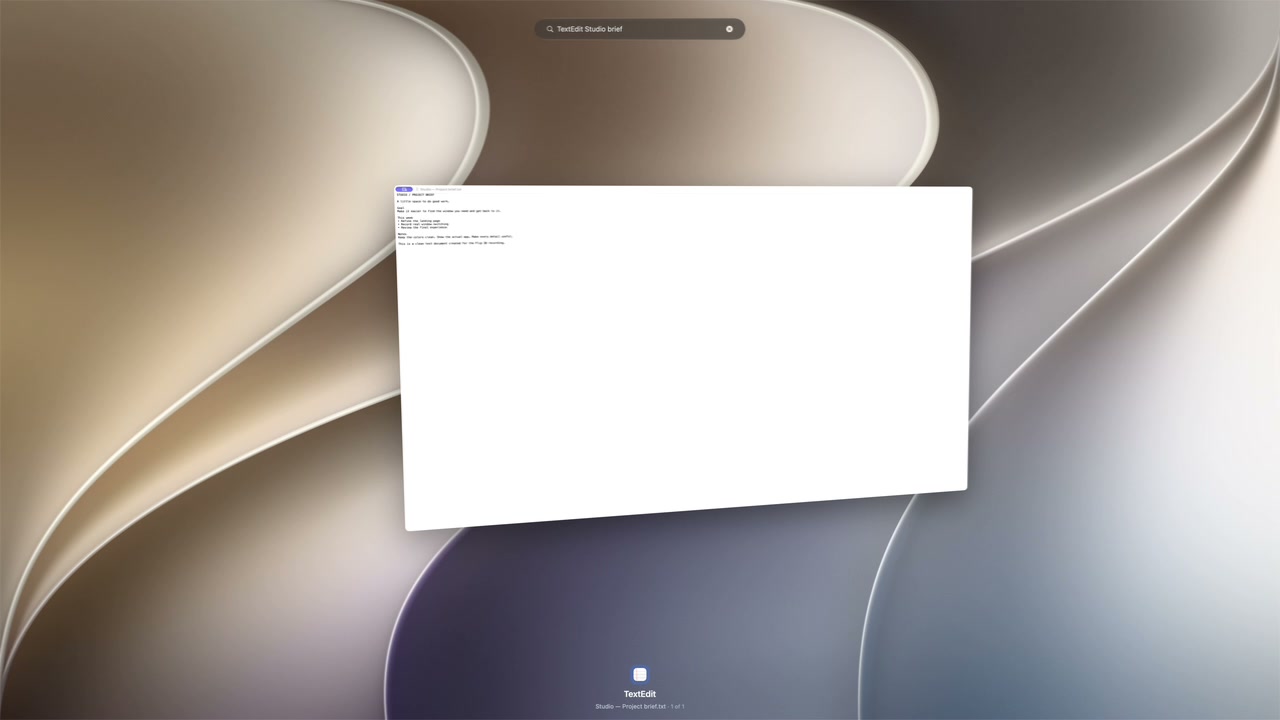
Find it by name
A few letters get you there.
Type an app or window title to narrow the list. With optional browser tab discovery, you can search supported tab titles and pick a tab under its window.
Native window switcher for Mac
See what’s open, search by title, and bring the window you want forward. Six layouts let you browse the way you like.
0.2.53 Beta 1 · macOS 14 or later · Apple silicon and Intel
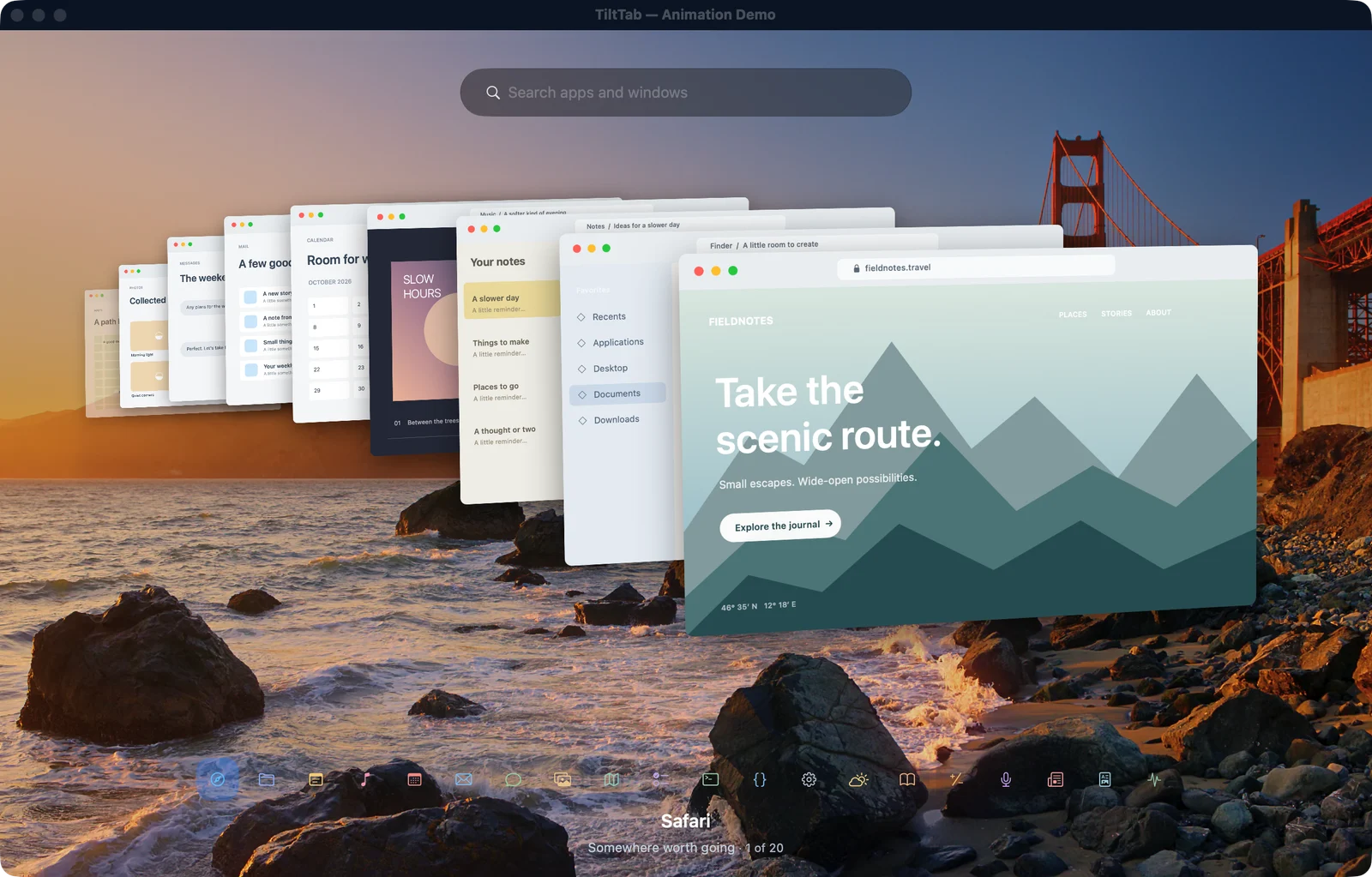
01 / Layouts
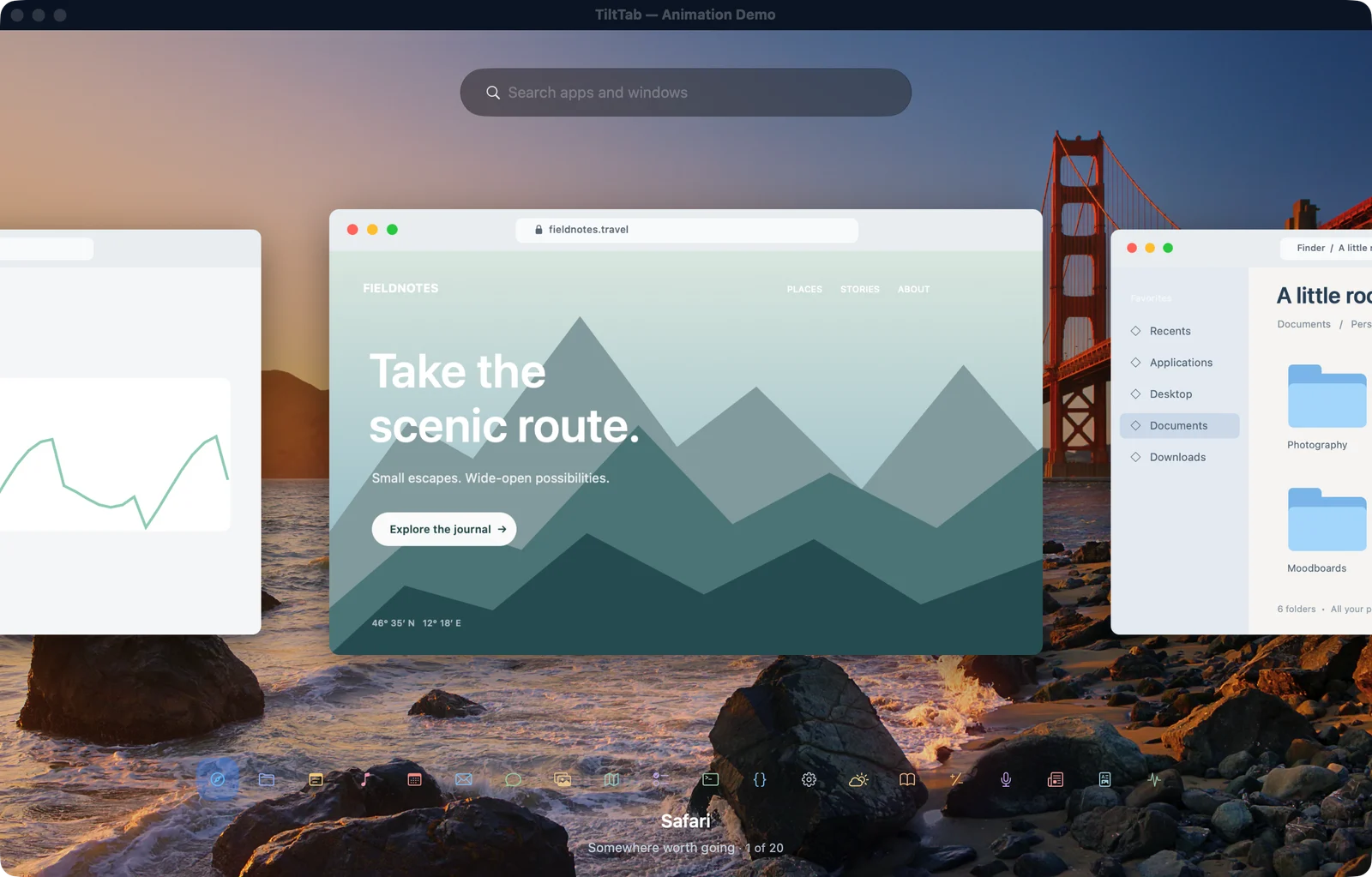
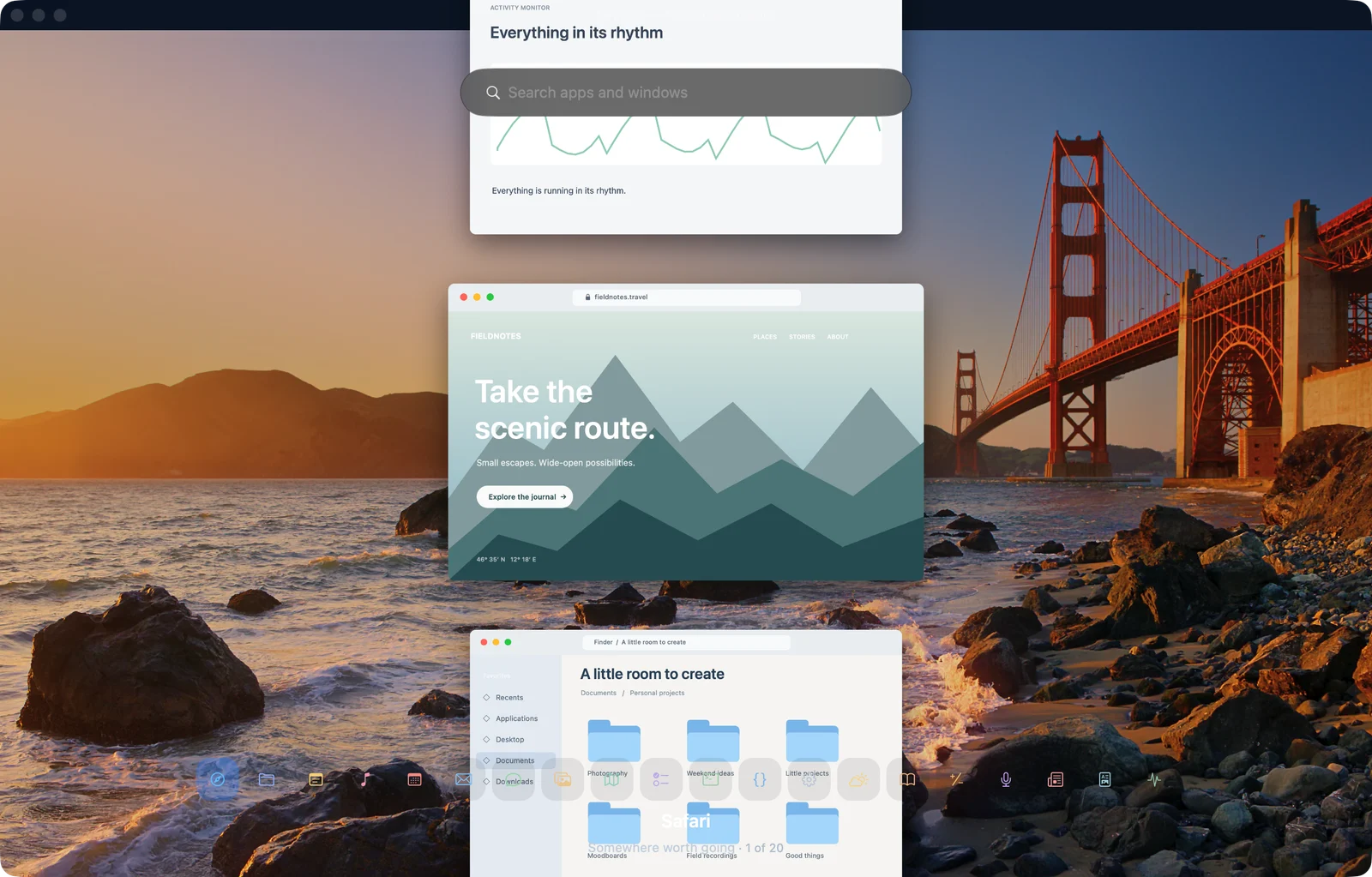
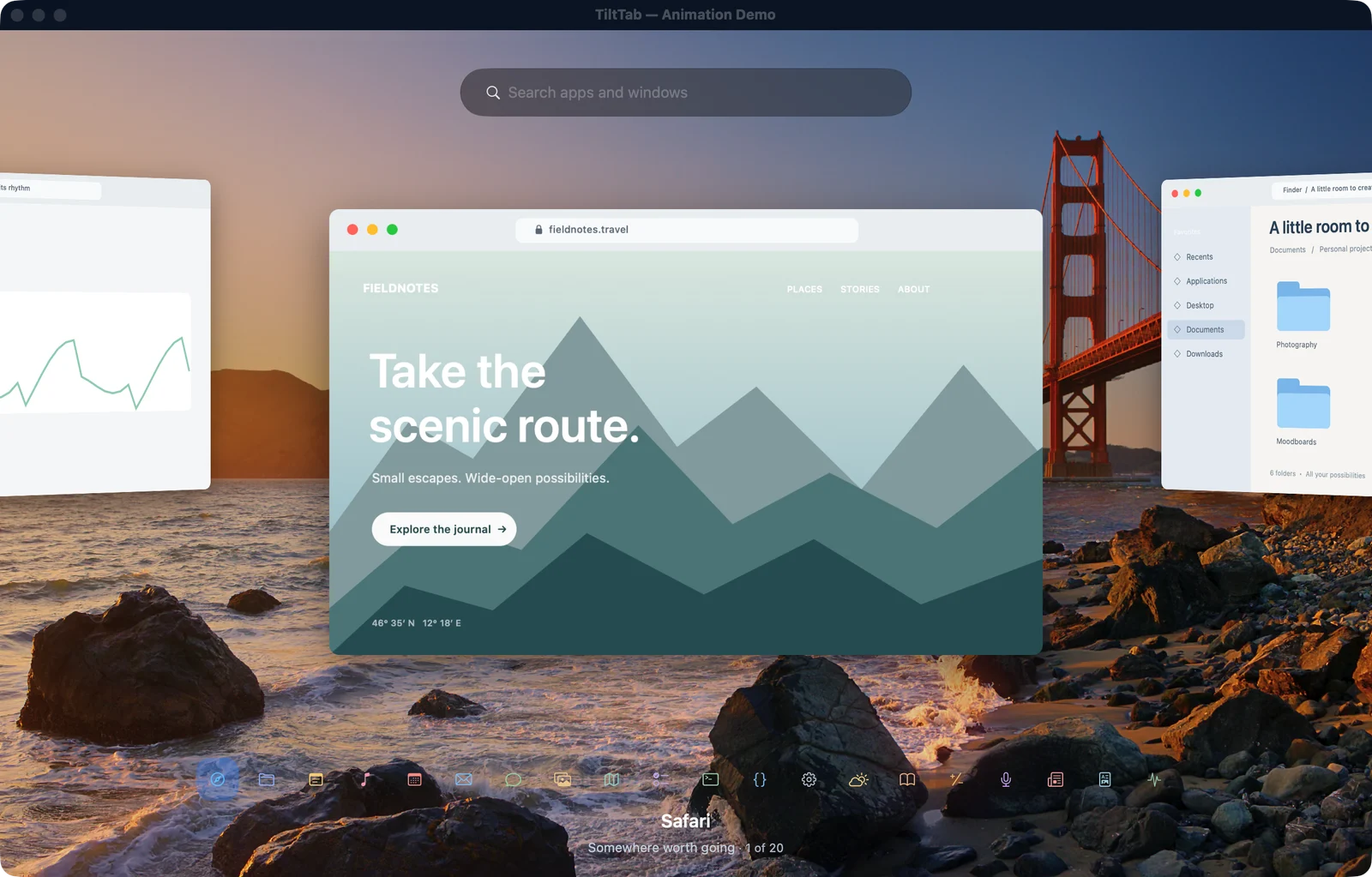
Pick a layout to see a screenshot from TiltTab’s native demo.
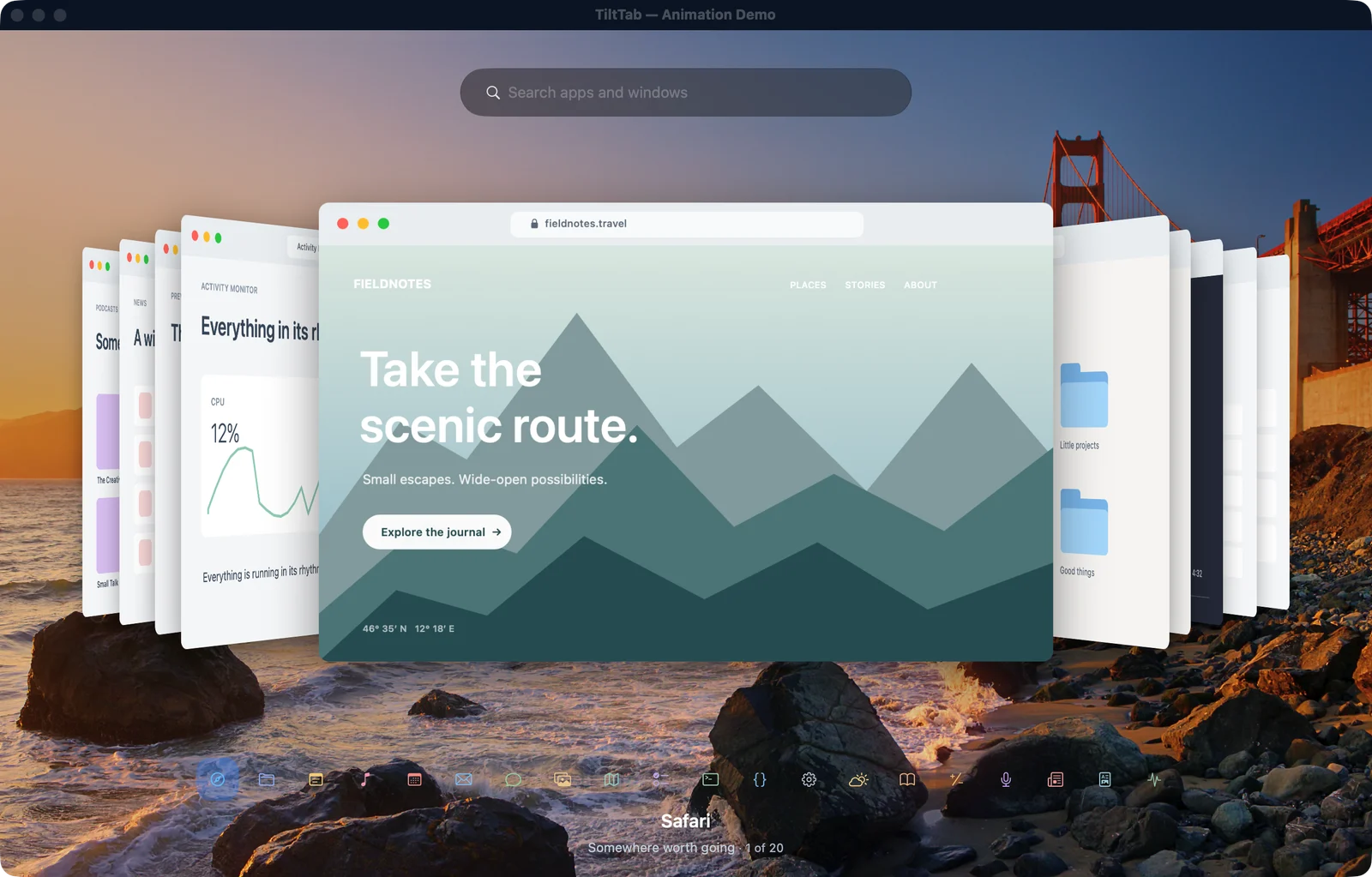
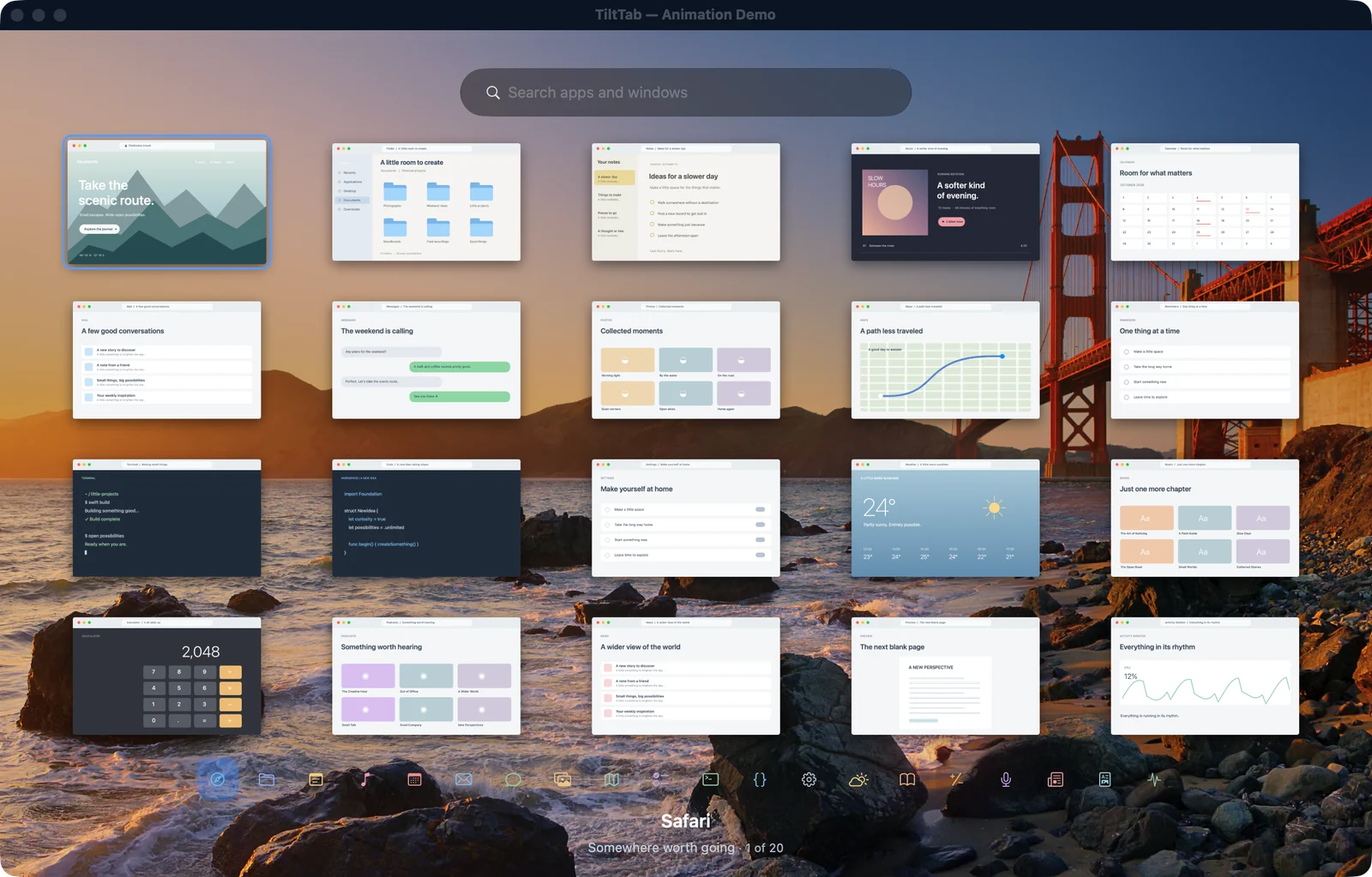
02 / Features
When an app has several windows open, TiltTab helps you recognize and choose the exact one you want.
Find it by name
Type an app or window title to narrow the list. With optional browser tab discovery, you can search supported tab titles and pick a tab under its window.
Restore minimized windows or windows from hidden apps. Include other displays or Spaces when you need a wider view.
Exclude apps, set your opening shortcut, and adjust preview spacing in Settings.
TiltTab processes window previews locally. The browser demo uses sample windows.
The point of TiltTab
03 / How it works
See how TiltTab finds and switches to an open TextEdit document.
The recording couldn’t play. Open the video file.
Press Option and Tab. Let go when the switcher opens.
Browse the previews or type part of a title to filter them.
Click the preview or press Return to focus the selected window.
TiltTab opens with three TextEdit documents: Roadmap, Release checklist, and Project brief. The arrow keys move the selection. Typing “brief” narrows the results to Project brief. Pressing Return brings that TextEdit window forward.
04 / Interactive demo
Browse 20 sample windows right in your browser. No install or permissions needed.
Loading sample windows…
Safari
Focus the stack, then use the arrow keys, scroll, or select an app icon. Click a preview to see it up close.
05 / FAQ
How TiltTab fits into your Mac setup.
TiltTab brings individual Mac windows forward. Use the preview to recognize the right window, or type an app or window title to find it.
Press Option and Tab to open, then release both keys. TiltTab stays open while you browse with Tab, arrows, or a scroll gesture. Press Return, Escape, or click a preview to bring the selected window forward.
Yes. TiltTab includes minimized windows and windows from hidden apps. If macOS cannot supply a preview, an app card can still be selected.
By default, TiltTab shows windows from the focused display. Settings lets you include other displays and the windows macOS exposes on other desktops and full screen Spaces.
Optional browser tab discovery groups tabs under their window. Search can find exposed tab titles, and Control plus T opens the tab picker. Compatibility depends on what your browser exposes to macOS.
Screen Recording lets the app display window previews. Accessibility lets it identify and bring the selected window forward. TiltTab processes previews locally. The browser demo uses sample windows and asks for neither permission.
TiltTab follows the macOS Reduce Motion setting. It also offers flatter layouts such as Grid and Filmstrip. You can change the opening shortcut and window spacing in Settings.
Turn on live previews to refresh the selected window while you pause on it. Updates stop when you move to another window or close the switcher.
An optional prototype lets you open TiltTab by swiping vertically with three, four, or five fingers. Choose a gesture that macOS isn’t already using. The stack follows your fingers. Complete the swipe to keep it open. Support varies by device.
TiltTab supports Apple silicon and Intel Macs running macOS 14 Sonoma or later. Download the free beta from this page, or try the browser demo without installing it.
Public beta · 0.2.53 Beta 1
Unzip the download and move TiltTab to Applications. Open it and grant Screen Recording and Accessibility in Settings → Permissions.
Download for MacFree beta · macOS 14 or later · Apple silicon and Intel