
- Version
- 1.1.2
- Requires
- iOS / iPadOS 18+
- Size
- 15.7 MB
What’s new in 1.1.2Updated Sep 7, 2026
- UX enhancement on details screen
Screenshots
App Store description
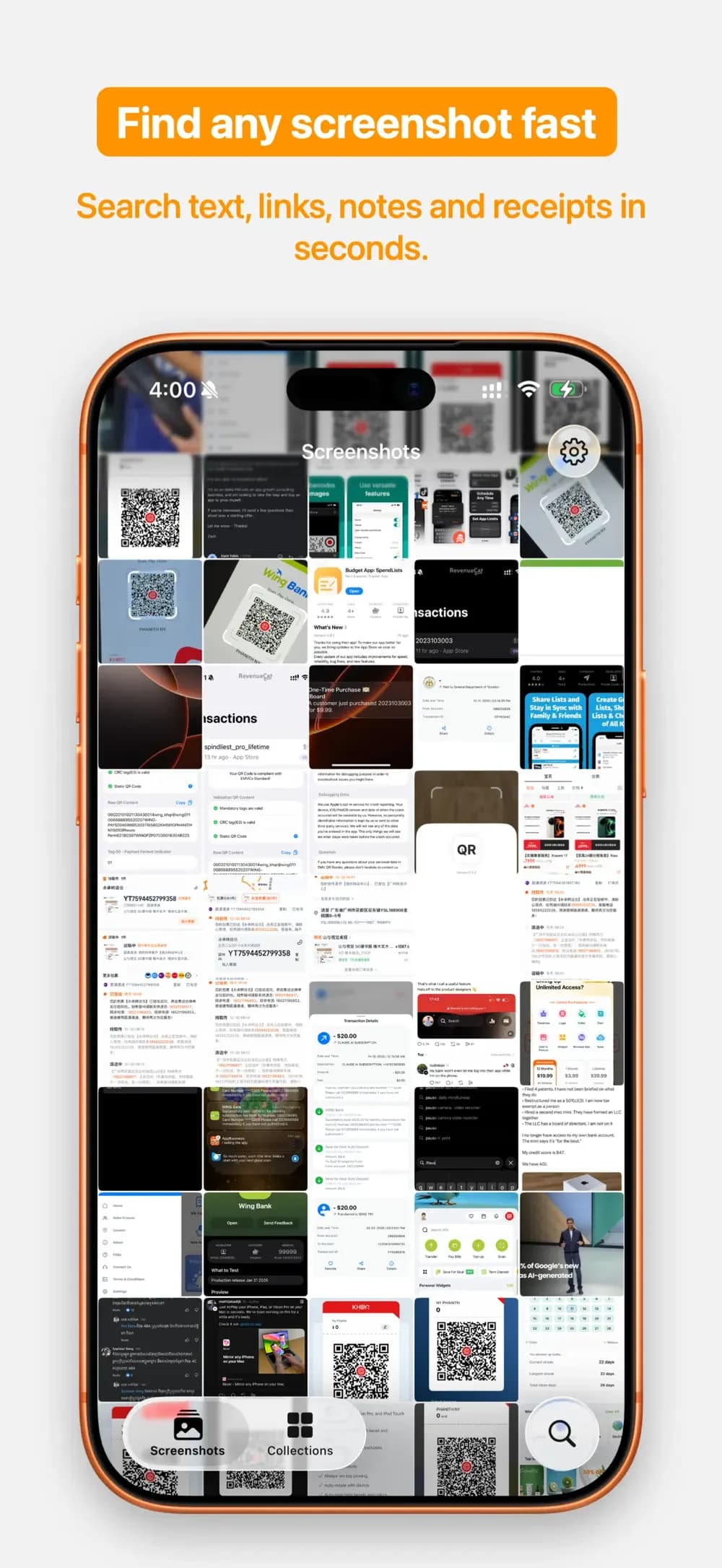
Find the screenshot you need in seconds. CaptureMind turns your screenshot graveyard into a searchable inbox. It indexes screenshots from your photo library, extracts text with on-device OCR, and helps you recover receipts, links, chats, notes, code snippets, and saved ideas before they disappear into clutter. Built for people who screenshot everything: - Students saving slides, notes, and study material - Builders saving UI references, code, and research - Busy users saving receipts, tickets, confirmations, and chats What you can do with CaptureMind: - Search screenshot text fast - Find saved links, receipts, chats, and notes from one search bar - Auto-tag screenshots into useful groups like receipt, code, chat, link, and doc - Save important screenshots into collections - Favorite screenshots you want to keep close - Copy text and share details without digging through Photos Why it feels different: - Focused on screenshots, not your entire photo library - Designed for retrieval, not just storage - Private by default with on-device processing How it works: 1. Allow access to your screenshots 2. CaptureMind indexes screenshot text on device 3. Search, organize, and recover what you saved If your camera roll is full of screenshots you meant to come back to, CaptureMind helps you find them and use them. Subscription options: CaptureMind Pro Yearly: $19.99 CaptureMind Pro Lifetime: $29.99 Term of Use: https://phanithny.com/apps/capturemind/term-of-use.html Privacy: https://phanithny.com/apps/capturemind/privacy-policy.html Support: [email protected]
Features
On-device OCR
Index screenshot text from your photo library on your device.
Find it again
Search receipts, links, chats, notes, code snippets, and saved ideas.
Organize and reuse
Use automatic tags, collections, and favorites. Copy text and share details.